



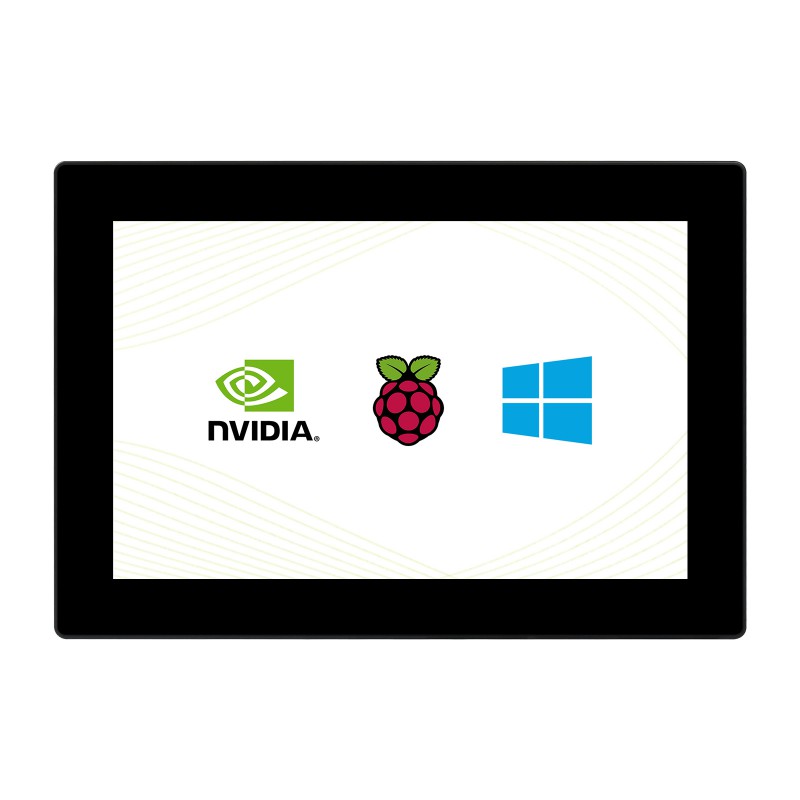
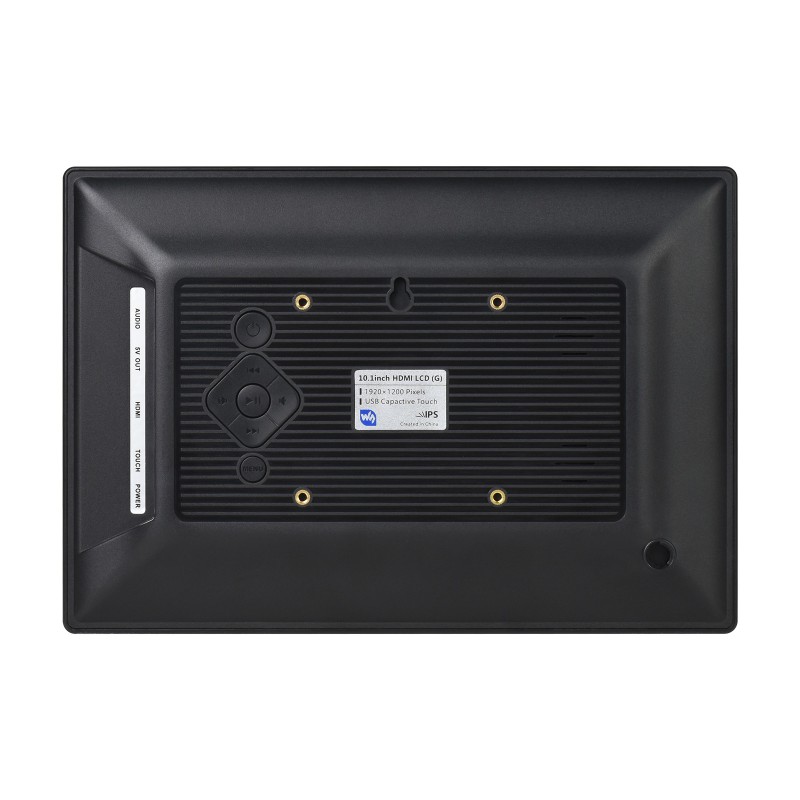
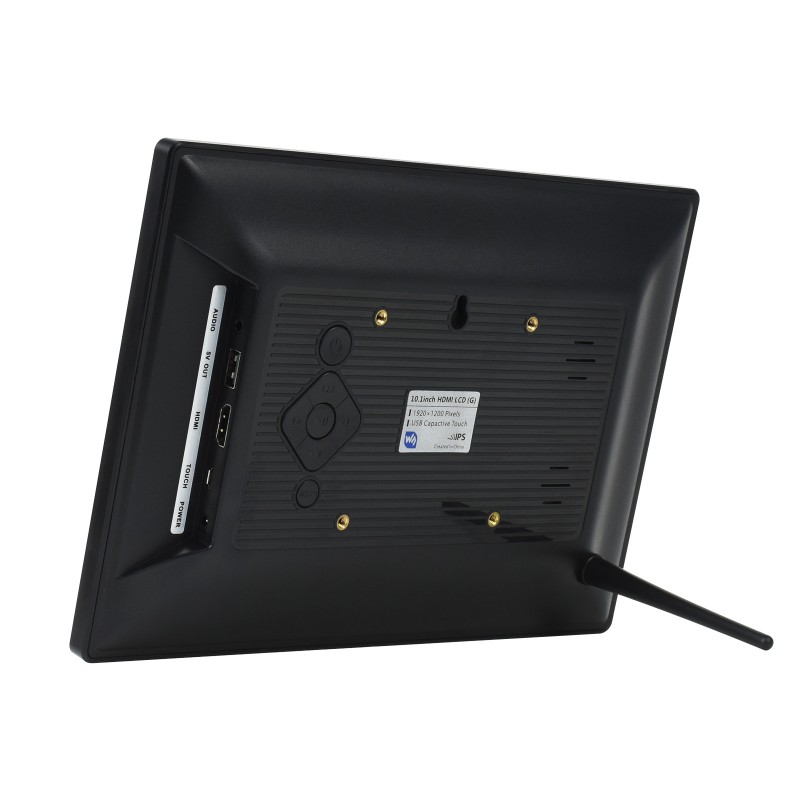
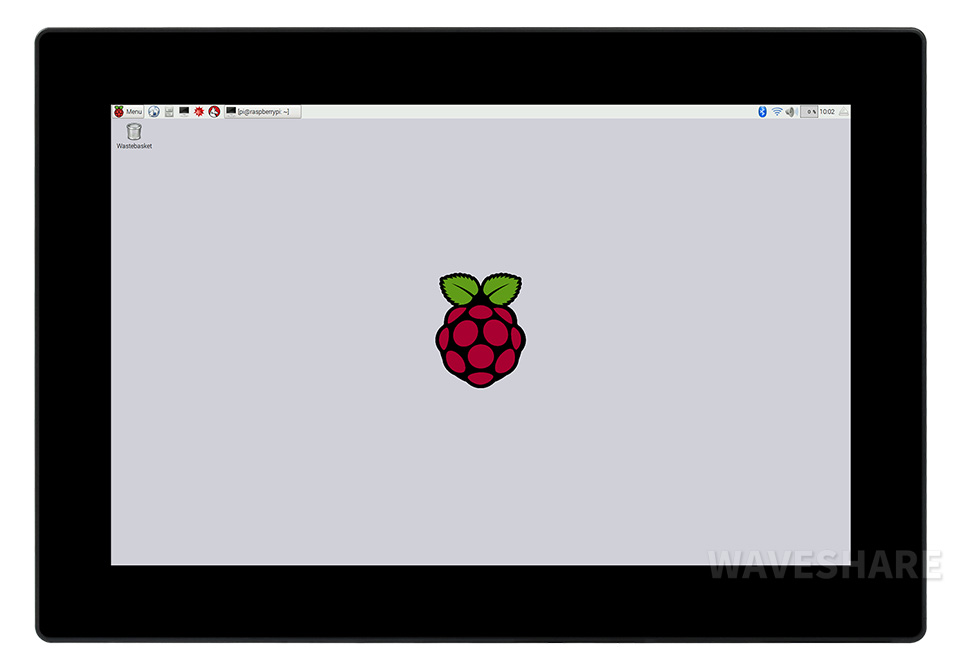









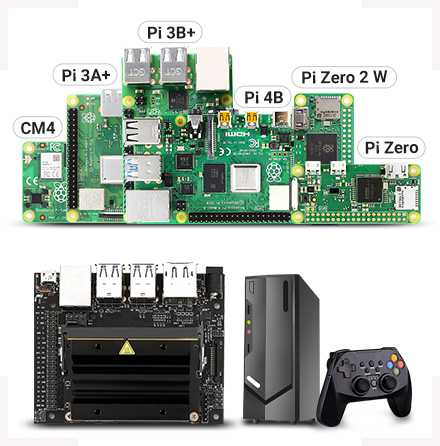
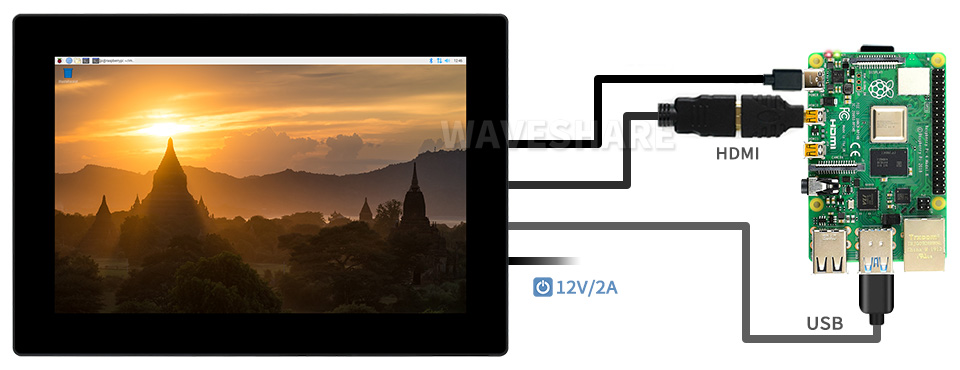



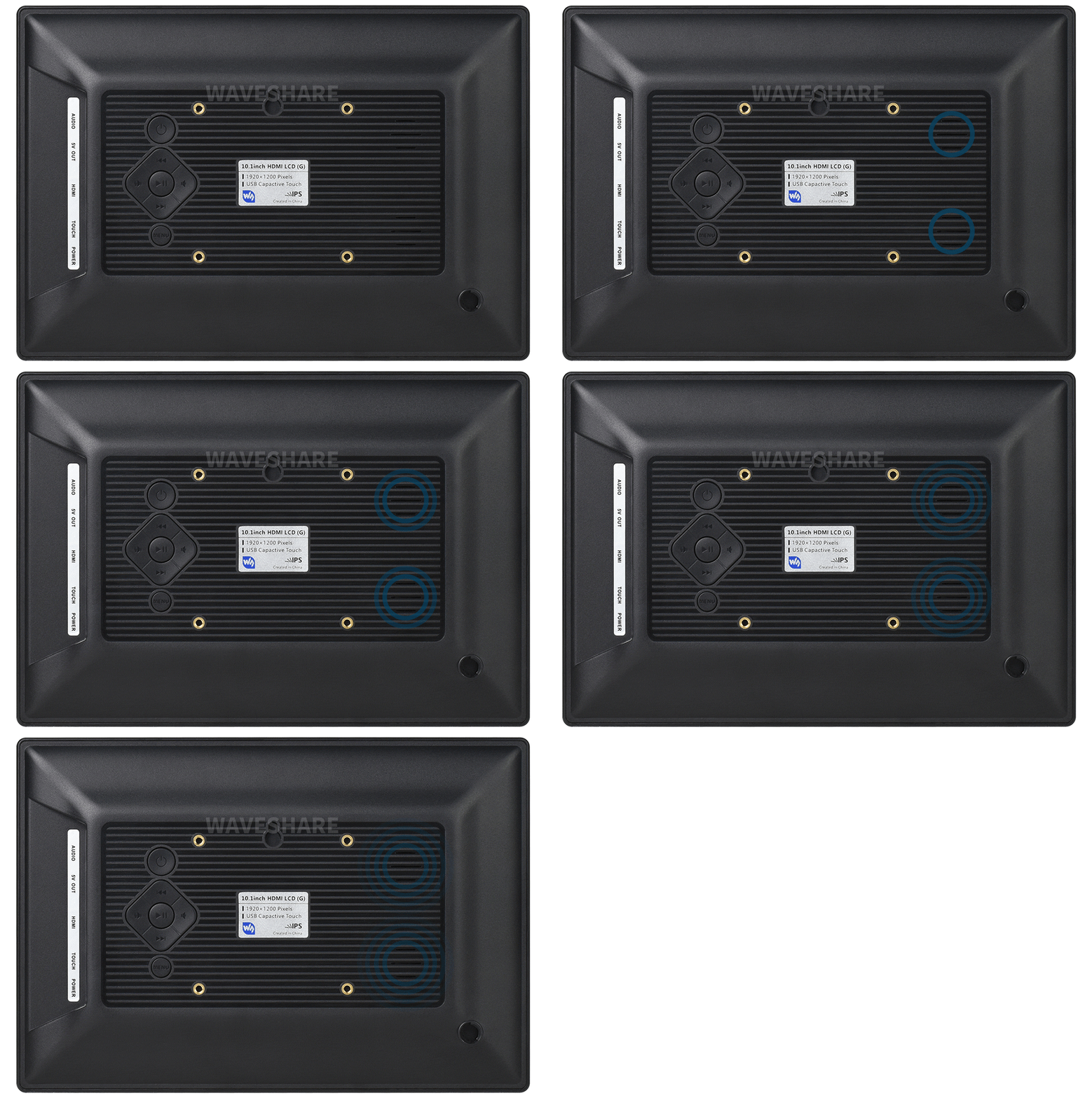
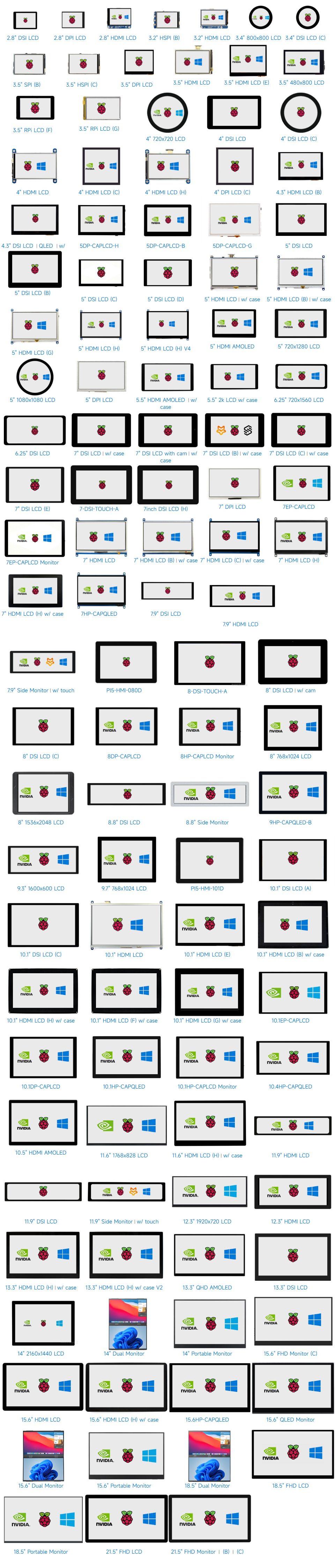
Working with Raspberry Pi 4, allows powering the Pi via LCD USB power out
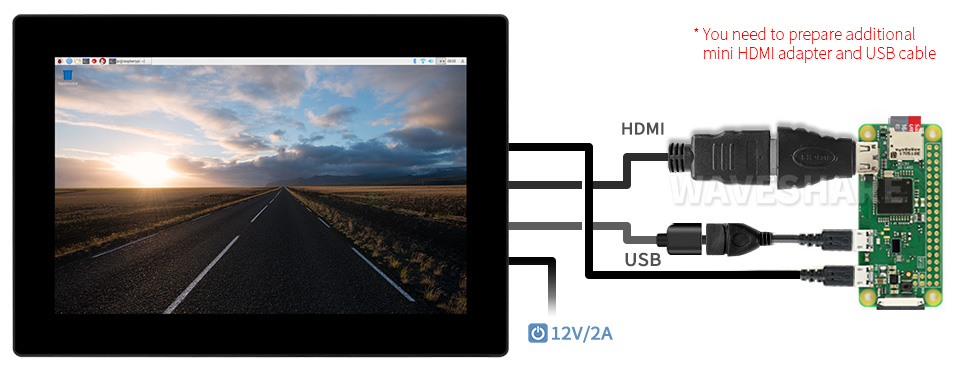
Working with Raspberry Pi Zero W, allows powering the Pi via LCD USB power out
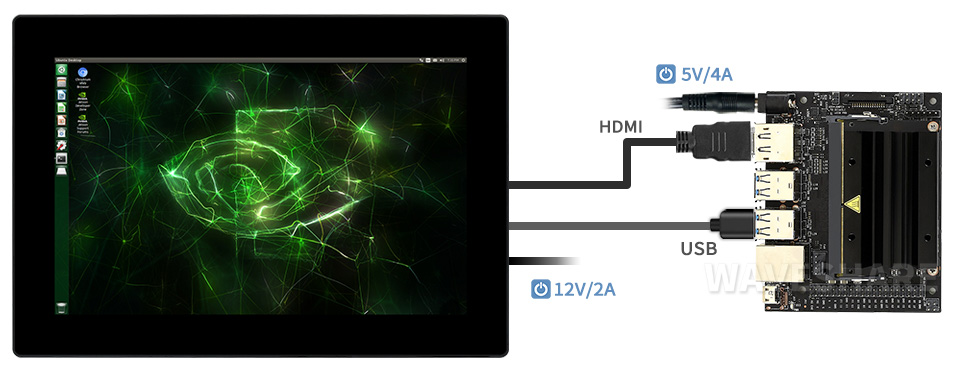
Working with AI Computer Jetson Nano
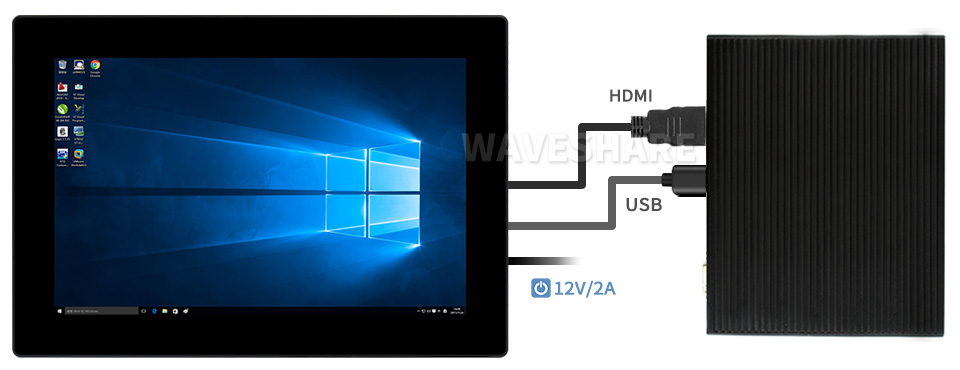
Working with mini PC
Display
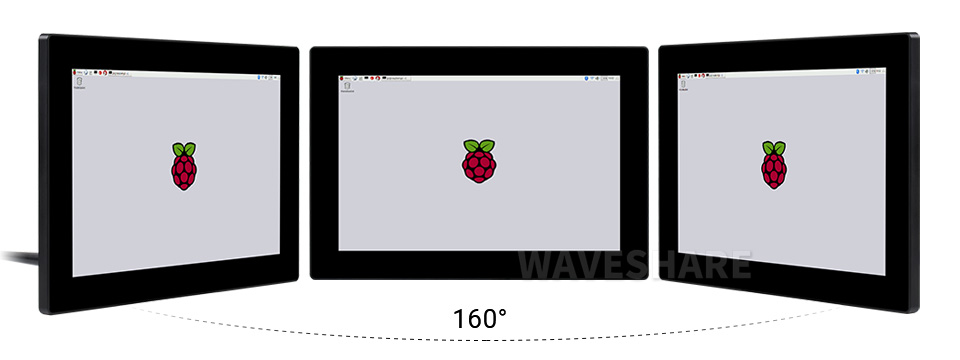
IPS Panel
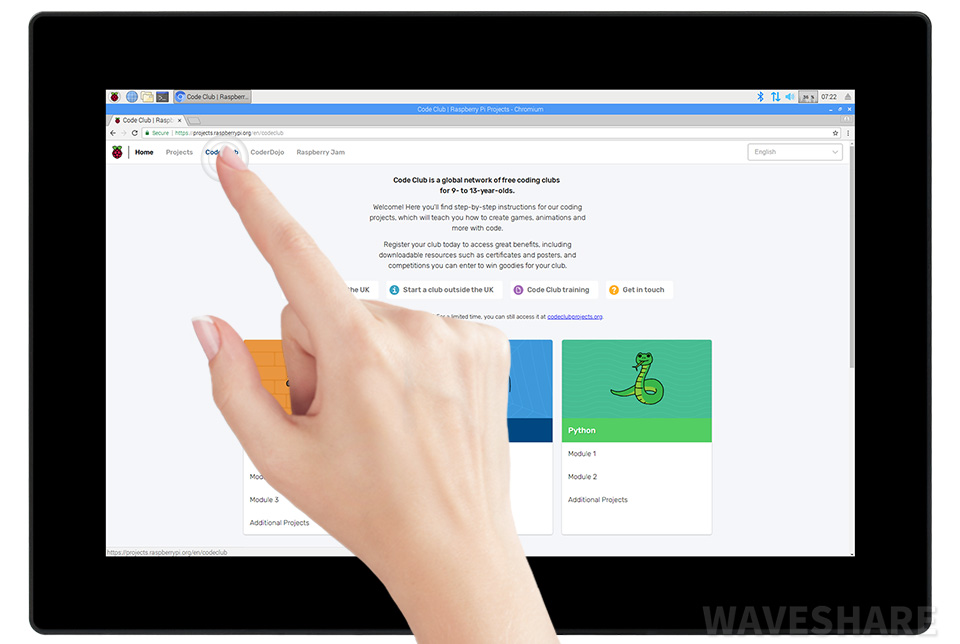
Touch Control
1) up to 10-point touch, depending on the operating system. 2) up to 6H hardness toughened glass panel.
Enjoy Gaming
Audio Feature
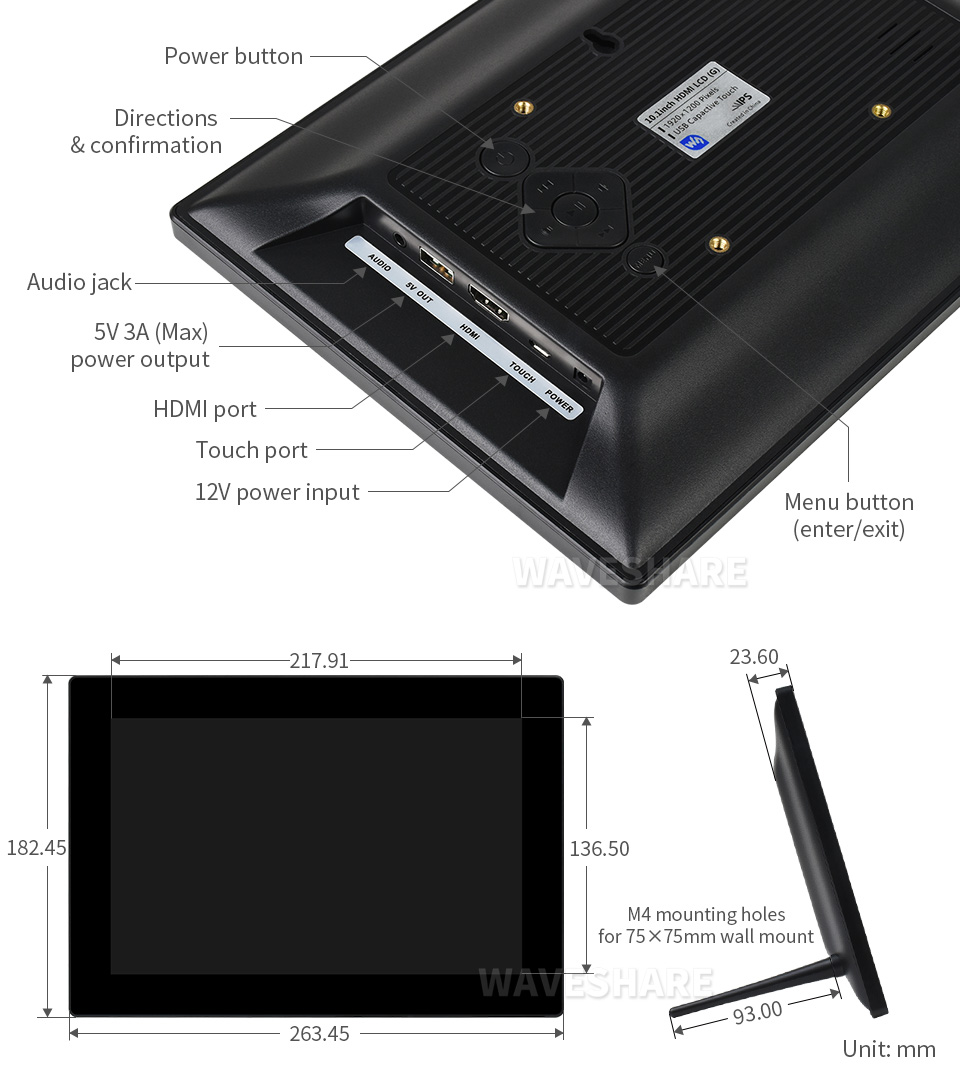
Appearance and Dimensions
Product Certification
HDMI Certified
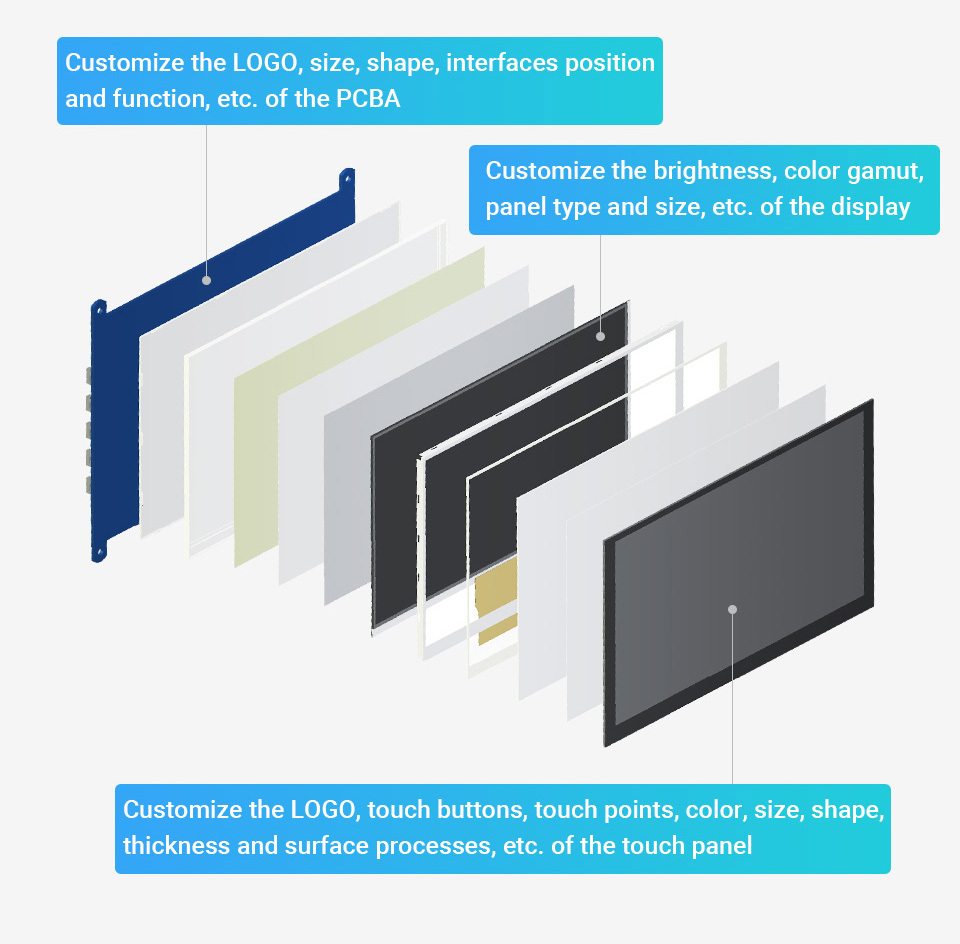
Support touch screen customization
Support the following ways to customize the touch screen display in bulk order
Over a decade Waveshare grows with display
* Waveshare has been focusing on display design for over 15 years.
Selection Guide
PartNumber
Display
Touch
Audio
Device Support
Resolu-tion
Display Port
Display Panel
View Angle
Touch Type
Touch Port
Toughened Glass Panel
Optical Bonding
Spe- aker
Signal Output
Pi
JETSON NANO
PC
SPI DISPLAYS PROS: low price. CONS: low refresh rate & resolution, supports Raspberry Pi only, requires Raspberry Pi 40PIN GPIO (the SPI bus), poor compatibility with Raspberry Pi system.
2.8inch RPi LCD (A)
320×240
SPI
TFT
–
Resistive
SPI
×
×
×
×
√
×
×
3.2inch RPi LCD (B)
320×240
SPI
TFT
–
Resistive
SPI
×
×
×
×
√
×
×
3.5inch RPi LCD (A)
480×320
SPI
TFT
–
Resistive
SPI
×
×
×
×
√
×
×
3.5inch RPi LCD (B)
480×320
SPI
IPS
160°
Resistive
SPI
×
×
×
×
√
×
×
3.5inch RPi LCD (C)
480×320
High-Speed SPI
TFT
–
Resistive
SPI
×
×
×
×
√
×
×
3.5inch RPi LCD (F)
320×480
SPI
IPS
170°
Capacitive
I2C
√
×
×
×
√
×
×
3.5inch RPi LCD (G)
320×480
SPI
IPS
170°
Resistive
SPI
×
×
×
×
√
×
×
4inch RPi LCD (A)
480×320
SPI
TFT
–
Resistive
SPI
×
×
×
×
√
×
×
DPI DISPLAYS PROS: low price, high refresh rate, multiple resolution support, better compatibility with Raspberry Pi system. CONS: supports Raspberry Pi only, requires Raspberry Pi 40PIN GPIO.
2.8inch DPI LCD
480×640
DPI
IPS
160°
Capacitive
I2C
√
√
×
×
√
×
×
3.5inch DPI LCD
640×480
DPI
IPS
170°
Capacitive
I2C
√
×
×
×
√
×
×
4inch DPI LCD (C)
720×720
DPI
IPS
170°
Capacitive
I2C
√
√
×
×
√
×
×
5inch DPI LCD
800×480
DPI
IPS
160°
–
–
×
×
×
×
√
×
×
7inch DPI LCD
1024×600
DPI
IPS
170°
–
–
×
×
×
×
√
×
×
DSI DISPLAYS PROS: moderate price, high refresh rate, leaves the Raspberry Pi 40PIN GPIO free, better compatibility with Raspberry Pi system. CONS: supports Raspberry Pi only.
2.8inch DSI LCD
480×640
DSI
IPS
160°
Capacitive
I2C
√
√
×
×
√
×
×
3.4inch DSI LCD (C)
800×800
DSI
IPS
170°
Capacitive
I2C
√
√
×
×
√
×
×
3.4-DSI-TOUCH-C
800×800
DSI
IPS
170°
Capacitive
I2C
√
√
×
×
√
×
×
3.5inch DSI LCD (E)
640×480
DSI
IPS
170°
Capacitive
I2C
√
×
×
×
√
×
×
3.5inch DSI LCD (H)
480×800
DSI
IPS
170°
Capacitive
I2C
√
×
×
×
√
×
×
4inch DSI LCD
480×800
DSI
IPS
170°
Capacitive
I2C
√
√
×
×
√
×
×
4inch DSI LCD (C)
720×720
DSI
IPS
170°
Capacitive
I2C
√
√
×
×
√
×
×
4-DSI-TOUCH-A
480 × 800
DSI
IPS
170°
Capacitive
I2C
√
√
×
×
√
×
×
4-DSI-TOUCH-C
720×720
DSI
IPS
170°
Capacitive
I2C
√
√
×
×
√
×
×
4.3inch DSI LCD
800×480
DSI
IPS
160°
Capacitive
I2C
√
×
×
×
√
×
×
4.3inch DSI LCD (with case)
800×480
DSI
IPS
160°
Capacitive
I2C
√
×
×
×
√
×
×
4.3inch DSI QLED
800×480
DSI
IPS(QLED)
160°
Capacitive
I2C
√
×
×
×
√
×
×
4.3-DSI-TOUCH-A
480 × 800
DSI
IPS
170°
Capacitive
I2C
√
√
×
×
√
×
×
5inch DSI LCD
800×480
DSI
TFT
–
Capacitive
I2C
√
×
×
×
√
×
×
5inch DSI LCD (B)
800×480
DSI
IPS
160°
Capacitive
I2C
√
×
×
×
√
×
×
5inch DSI LCD (C)
1024×600
DSI
IPS
178°
Capacitive
I2C
√
×
×
×
√
×
×
5inch DSI LCD (D)
720×1280
DSI
IPS
178°
Capacitive
I2C
√
√
×
×
√
×
×
5-DSI-TOUCH-A
720×1280
DSI
IPS
178°
Capacitive
I2C
√
√
×
×
√
×
×
5-DSI-TOUCH-B
720×1280
DSI
IPS
178°
Capacitive
I2C
√
√
×
×
√
×
×
5inch Raspberry Pi Touch Display 2
720×1280
DSI
IPS
160°
Capacitive
I2C
×
×
×
×
√
×
×
6.25inch DSI LCD
720×1560
DSI
IPS
178°
Capacitive
I2C
√
√
×
×
√
×
×
7inch DSI LCD
800×480
DSI
TFT
–
Capacitive
I2C
√
×
×
×
√
×
×
7inch DSI LCD (with case A)
800×480
DSI
TFT
–
Capacitive
I2C
√
×
×
×
√
×
×
7inch DSI LCD (with cam)
800×480
DSI
TFT
–
Capacitive
I2C
√
×
×
×
√
×
×
7inch DSI LCD (with cam and case)
800×480
DSI
TFT
–
Capacitive
I2C
√
×
×
×
√
×
×
7inch DSI LCD (B)
800×480
DSI
IPS
170°
Capacitive
I2C
√
×
×
×
√
×
×
7inch DSI LCD (B) (with case A)
800×480
DSI
IPS
170°
Capacitive
I2C
√
×
×
×
√
×
×
7inch DSI LCD (C)
1024×600
DSI
IPS
170°
Capacitive
I2C
√
×
×
×
√
×
×
7inch DSI LCD (C) (with case A)
1024×600
DSI
IPS
170°
Capacitive
I2C
√
×
×
×
√
×
×
7inch DSI LCD (E)
1280×800
DSI
IPS
178°
Capacitive
I2C
√
√
×
×
√
×
×
7-DSI-TOUCH-A
720×1280
DSI
IPS
170°
Capacitive
I2C
√
√
×
×
√
×
×
7-DSI-TOUCH-C
1024×600
DSI
IPS
170°
Capacitive
I2C
×
×
×
×
√
×
×
7inch DSI LCD (H)
1280×720
DSI
IPS
170°
Capacitive
I2C
√
√
×
×
√
×
×
7.9inch DSI LCD
400×1280
DSI
IPS
170°
Capacitive
I2C
√
×
×
×
√
×
×
8-DSI-TOUCH-A
800×1280
DSI
IPS
178°
Capacitive
I2C
√
√
×
×
√
×
×
8inch DSI LCD
800×480
DSI
TFT
–
Capacitive
I2C
√
×
×
×
√
×
×
8inch DSI LCD (with cam)
800×480
DSI
TFT
–
Capacitive
I2C
√
×
×
×
√
×
×
8inch DSI LCD (C)
1280×800
DSI
IPS
178°
Capacitive
I2C
√
√
×
×
√
×
×
8.8inch DSI LCD
480×1920
DSI
IPS
178°
Capacitive
I2C
√
√
×
×
√
×
×
8.8-DSI-TOUCH-A
480×1920
DSI
IPS
178°
Capacitive
I2C
√
√
×
×
√
×
×
9-DSI-TOUCH-B
720×1280
DSI
IPS
160°
Capacitive
I2C
√
×
×
×
√
×
×
10.1-DSI-TOUCH-A
800×1280
DSI
IPS
178°
Capacitive
I2C
√
√
×
×
√
×
×
10.1-DSI-TOUCH-B
720×1280
DSI
IPS
170°
Capacitive
I2C
√
×
×
×
√
×
×
10.1inch DSI LCD (C)
1280×800
DSI
IPS
178°
Capacitive
I2C
√
√
×
×
√
×
×
11.9inch DSI LCD
320×1480
DSI
IPS
170°
Capacitive
I2C
√
×
×
×
√
×
×
12.3-DSI-TOUCH-A
720×1920
DSI
IPS
178°
Capacitive
I2C
√
√
×
×
√
×
×
13.3inch DSI LCD
1920×1080
DSI
IPS
178°
Capacitive
I2C
√
×
×
×
√
×
×
HDMI / TYPE-C DISPLAYS PROS: high refresh rate, multiple resolution support, multiple devices support, leaves the Raspberry Pi 40PIN GPIO free, better compatibility with Raspberry Pi system. CONS: somewhat costly.